How to Navigate and Update Organization Settings in QualifyMe
This guide outlines the steps to access and update the organization settings, including uploading the organization logo, within the QualifyMe platform.
Navigate to Organization Settings
From the dashboard, click on 'Organization' in the left navigation panel to access the settings page.
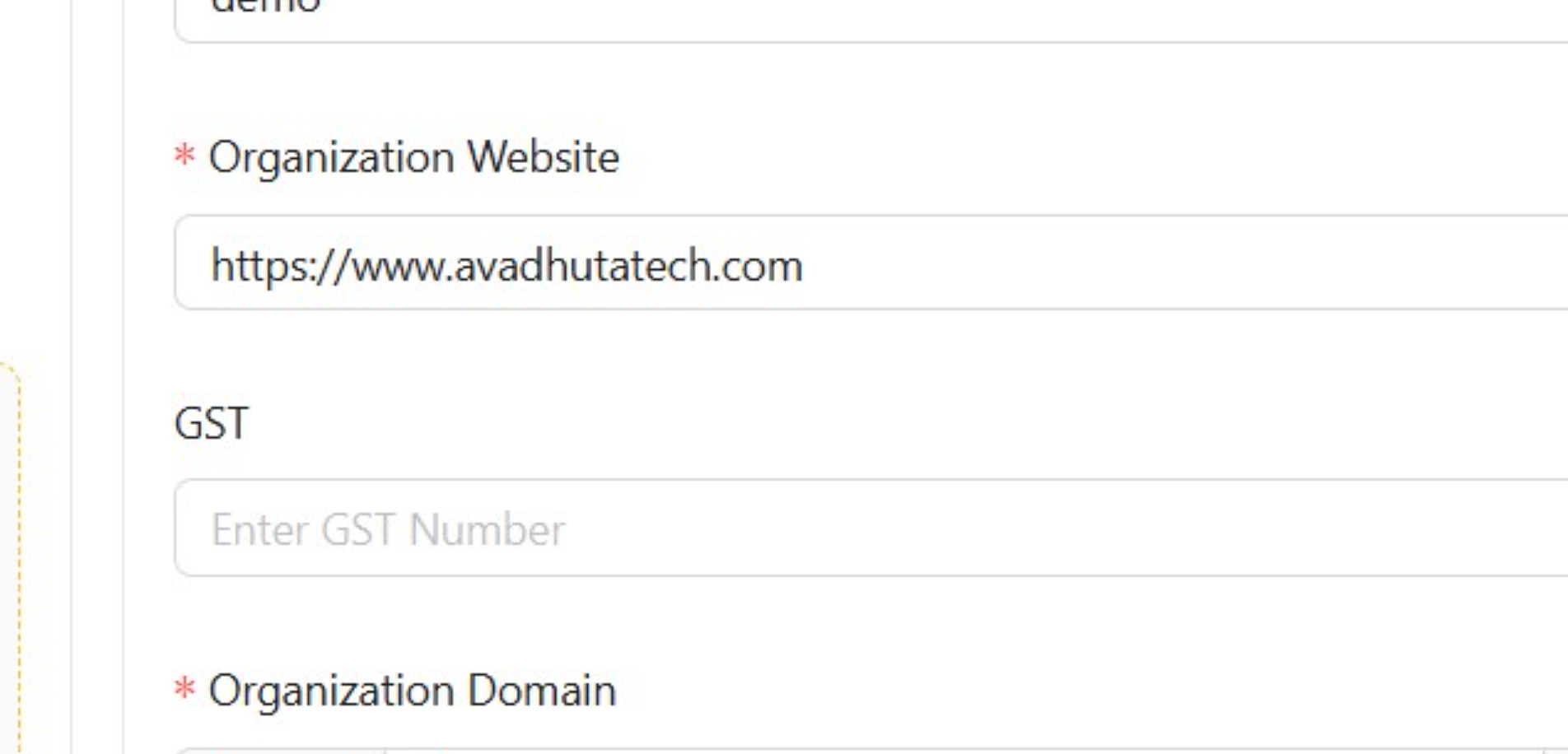
Access Organization Settings Form
The Organization Settings page is displayed, showing General, Theme, and Integration tabs. The general settings are currently in focus, displaying fields for Organization Name, Website, Domain, Time Zone, Currency, and more.
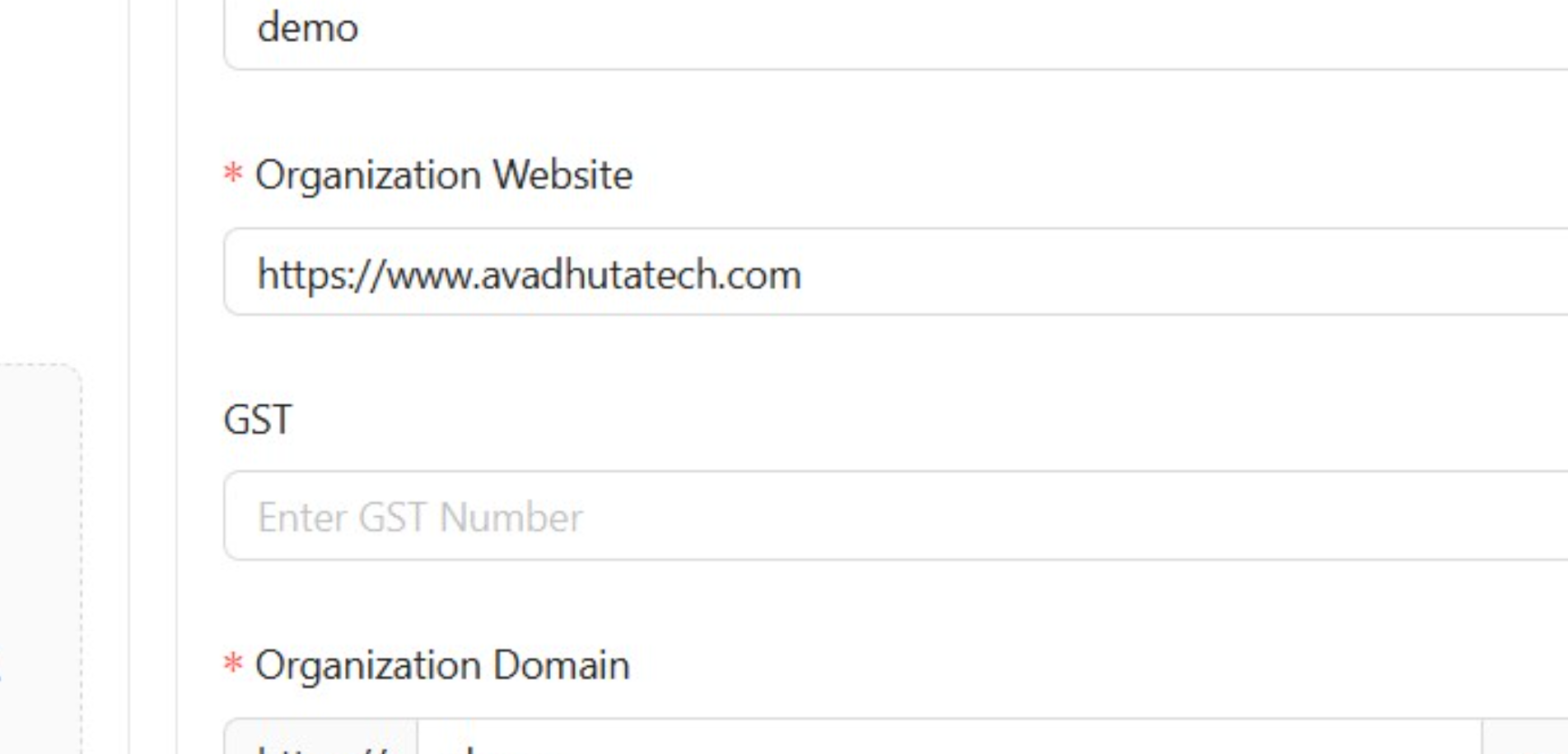
Upload Organization Logo
The system displays a 'Success' notification indicating that the organization logo was uploaded successfully.